



How to Block (or Allow) AI Crawlers Like GPTBot and ClaudeBot in Robots.txt
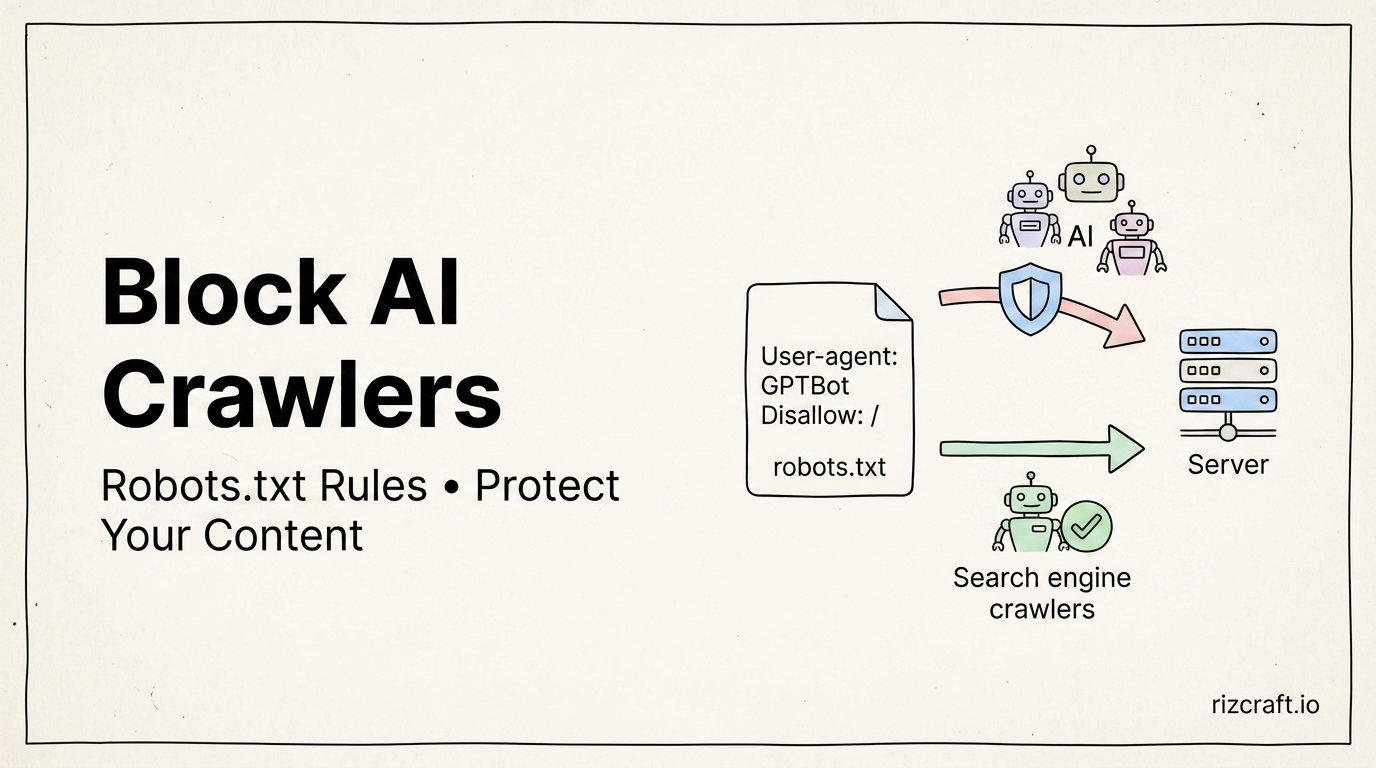
Two years ago, a robots.txt file mostly had one job: tell Googlebot and Bingbot what not to crawl. In 2026 there's a whole second category of visitor — AI crawlers — and they split into two groups that behave completely differently, which is where most robots.txt configurations for this get confused.
Two categories, not one
Training crawlers scrape your content to include in a model's training data. This group includes GPTBot (OpenAI), ClaudeBot (Anthropic), Google-Extended (Google's AI training, separate from regular Googlebot), CCBot (Common Crawl, which feeds a wide range of open-source model training beyond just its own use), Bytespider (ByteDance), and Applebot-Extended (Apple).
Retrieval crawlers fetch a page in real time when someone asks an AI assistant a question and it needs to check or cite a live source. This group includes ChatGPT-User and OAI-SearchBot (OpenAI), Claude-User (Anthropic), and PerplexityBot / Perplexity-User (Perplexity).
Blocking the first group keeps your content out of future training runs. Blocking the second group means your site can't be cited or referenced when someone asks an AI assistant a question your content would answer — which, for a lot of publishers, is exactly the traffic they want to keep.
A template that separates the two
User-agent: *
Allow: /

# Block training crawlers
User-agent: GPTBot
Disallow: /

User-agent: ClaudeBot
Disallow: /

User-agent: Google-Extended
Disallow: /

User-agent: CCBot
Disallow: /

User-agent: Bytespider
Disallow: /

# Allow retrieval / search-time crawlers
User-agent: ChatGPT-User
Allow: /

User-agent: OAI-SearchBot
Allow: /

User-agent: Claude-User
Allow: /

User-agent: PerplexityBot
Allow: /

User-agent: Perplexity-User
Allow: /

Sitemap: https://yoursite.com/sitemap.xml
This is the "allow citation, opt out of training" posture a lot of publishers have settled on. Whether it's right for you depends on how you feel about that tradeoff — it's a legitimate, documented configuration either way, not a technical requirement.
The part almost nobody checks
Every major lab states that its crawlers respect robots.txt. Some, like CCBot and Bytespider, have a mixed compliance record depending on which source you check. Either way, robots.txt is a request, not a lock — it relies on the crawler operator choosing to honor it. If you need actual enforcement rather than a polite request, that requires blocking at the server or CDN level (a firewall rule or WAF returning a 403 to the bot's user-agent), not just a robots.txt entry.
The other common failure mode: your robots.txt says "allow," but a CDN's own bot-management layer is silently blocking the crawler before it ever reaches your server. Cloudflare, in particular, ships its own managed bot rules that can override or combine with your site's robots.txt depending on configuration — worth checking your CDN's bot settings directly rather than assuming your robots.txt file is the only thing in play.
This list will be out of date within a few months
New AI crawlers appear several times a year, and existing ones occasionally change their user-agent string entirely. Treat this as a starting point, not something to set once and forget — a quarterly check against your CDN's bot logs (to see which user-agents are actually hitting your site) is a reasonable cadence to catch anything new before it's been crawling unnoticed for months.
Building it without memorizing the syntax
The Robots.txt Generator builds a valid robots.txt with crawler-specific rules, AI bot blocking, and your sitemap reference included, so you don't have to hand-write the User-agent/Disallow blocks and risk a stray syntax error that blocks more than you intended.