



Client-Side vs Server-Side Tools - How to Verify “No Upload” Claims
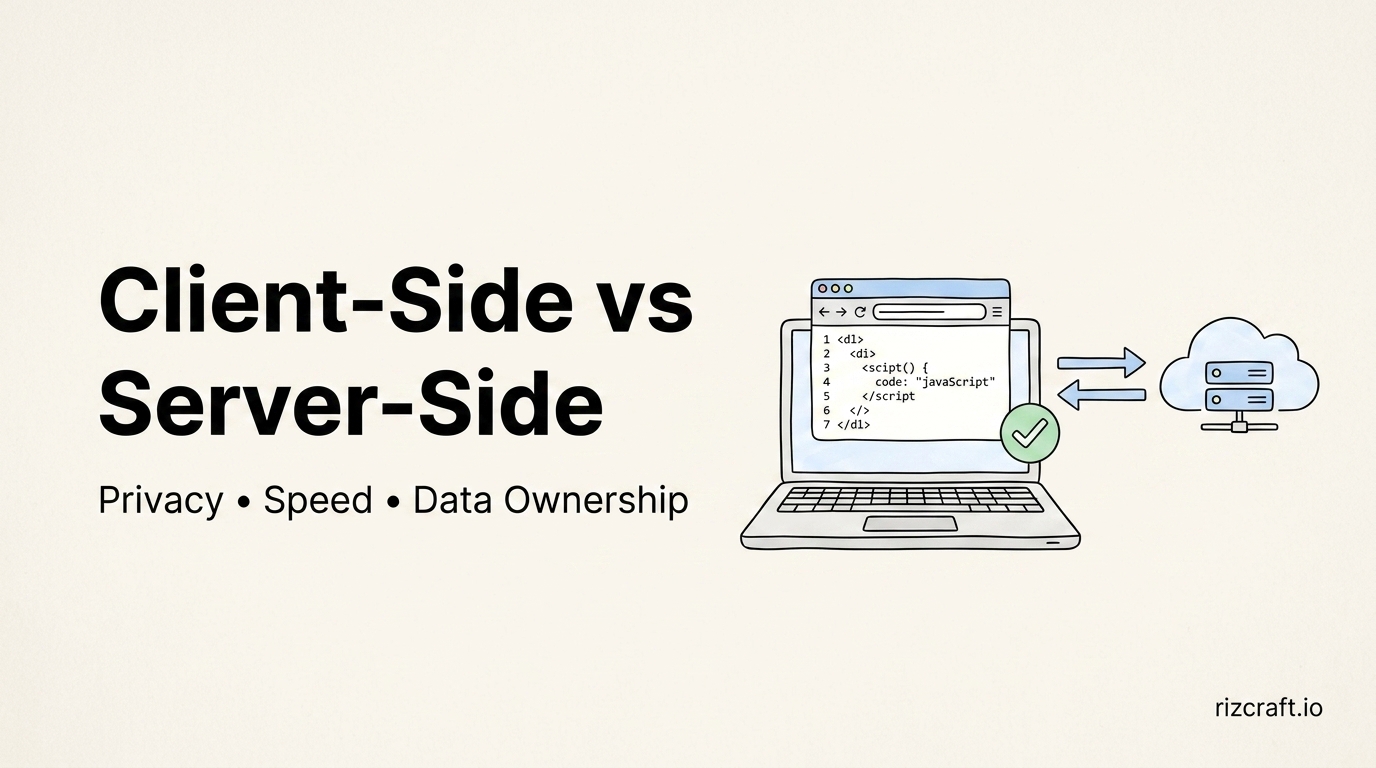
“100% client-side, your data never leaves your browser” is printed on the homepage of a lot of tool sites, RizCraft included. It's also exactly the kind of claim that's trivial to make and easy to fake, so it's worth knowing how to check it yourself instead of taking it on faith — from us or anyone else.
What “runs in your browser” actually means, technically
A genuinely client-side tool does its work using APIs the browser already exposes: the File API to read a file you selected, Canvas or WebAssembly to process an image, the built-in crypto object to hash a string. None of that requires a network request, because none of it needs a server to do the work. The JavaScript that ships with the page is the entire program — your browser downloaded it once, and everything after that runs locally.
A server-side tool, even one that looks identical in the UI, sends what you paste or upload to a backend, processes it there, and sends a result back. That's not automatically bad — some jobs genuinely need it — but it means your input passed through a server you don't control, however briefly, and whatever that server logs, it logs.
How to check it yourself in 30 seconds
You don't need to trust a privacy claim on a page — you can verify it directly:
- Open your browser's dev tools (F12, or right-click → Inspect)
- Go to the Network tab
- Clear it, then use the tool — paste your text, upload your image, whatever the tool does
- Watch for outgoing requests. A genuinely client-side tool shows no request containing your data — you might see the page's own assets load once at the start, but nothing new fires when you interact with the tool itself.
If you see a POST request firing off to some API endpoint every time you type or upload, whatever "client-side" claim is on the page isn't accurate for that particular action — worth checking before pasting anything sensitive into it again.
Where server-side is unavoidable, and that's fine
Not every useful tool can be pure client-side, and pretending otherwise would be dishonest. Anything that calls a real AI model — RizCraft's AI Email Generator, AI Text Humanizer, and AI Summary Generator among them — has to send your input to that model's API to get a response back, because the model itself doesn't live in your browser. Same logic applies to anything that needs to fetch a remote resource on your behalf, like a URL extractor pulling content from a site you don't have loaded locally, or a link checker verifying whether pages actually respond.
The honest version of a privacy claim isn't "nothing on this entire site ever touches a server" — it's being specific about which tools are which, so you can decide what you're comfortable pasting into which one.
Why this is worth caring about beyond privacy
There's a practical upside that has nothing to do with trust: client-side tools have no meaningful usage limit, because there's no server-side cost per request to ration. No daily cap, no "upgrade for more conversions this month," no queue during a traffic spike — the only limit is what your own browser and device can handle, which for text and small-to-medium files is effectively unlimited. It's also just faster: no upload time, no server queue, no round trip — the processing happens the instant you interact with it.
Next time a tool claims to be private, run the Network tab check before you decide how much you trust it with something you'd rather not have logged anywhere.