



How to Add Google Analytics to a .NET Desktop App (No NuGet Packages Required)
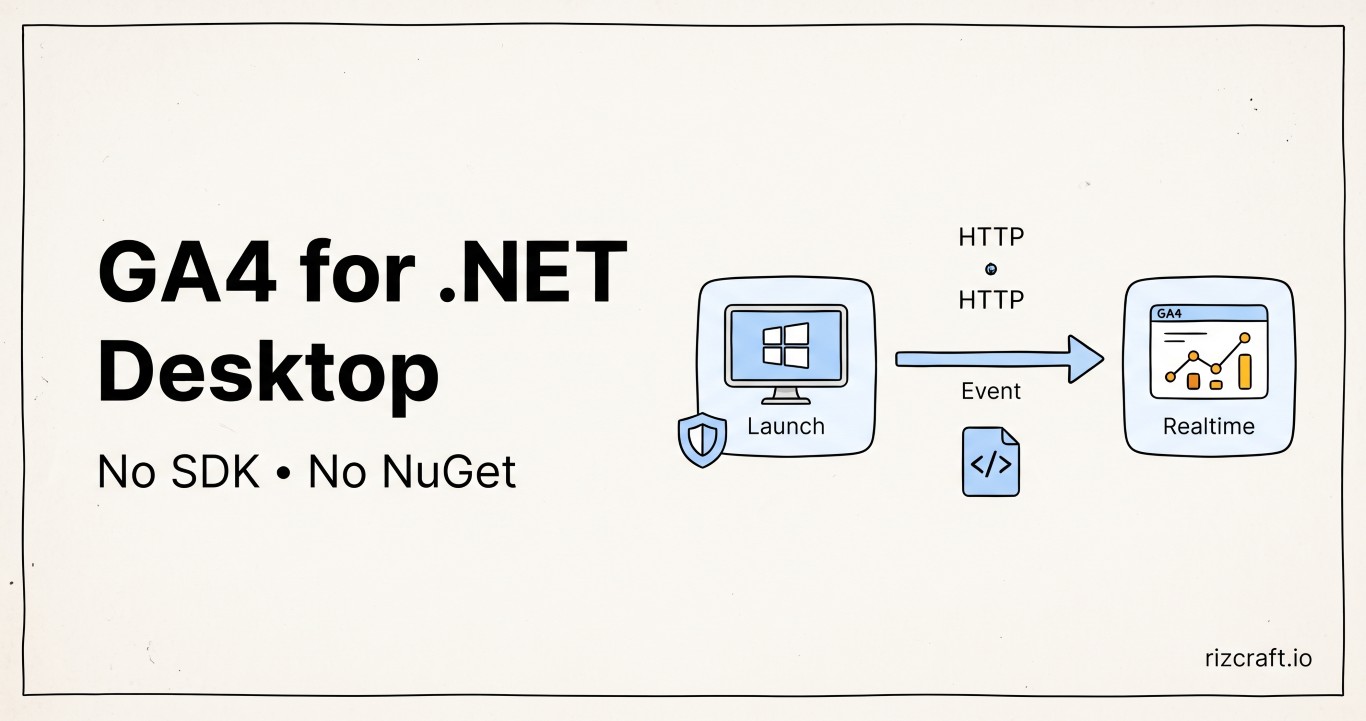
You shipped a desktop app. People downloaded it. But how many people? You have no idea — and that's the problem with desktop apps. There's no server log, no request count, no Cloudflare dashboard. The app runs on someone else's machine and you never hear from it again.
Here's how to fix that with Google Analytics 4 and a small C# class, using nothing but the built-in HttpClient.
Your options (and why most of them don't fit)
Before jumping to the implementation, here's a quick look at what's actually available for tracking usage in a desktop app:
| Option | Good for | Downside |
|---|---|---|
| GA4 Measurement Protocol | Users, MAU/DAU, events, geo | Data lives with Google |
| Your own backend | Full data ownership | You maintain the infra |
| PostHog | Analytics + feature flags | Overkill for a simple utility |
| Aptabase | Privacy-first, built for desktop | Another service and account to manage |
| Sentry | Crash reporting | Not really an analytics tool |
If all you need is "how many people use this app and how often," GA4's Measurement Protocol is a simple path. It uses a plain HTTP POST — no SDK, no NuGet packages, no JavaScript. Just HttpClient and a JSON payload.
There is one caveat: Google describes the Measurement Protocol as a way to augment existing Analytics collection, not replace an Analytics SDK. It can accept events from a desktop app, but a desktop-focused service may be a better fit if you need stronger abuse protection, consent controls, or product analytics.
What you'll need from Google
- Go to Google Analytics → Admin → Create Property
- Enter your property name (e.g. "MD5 & SHA Checksum Utility")
- Create a Web data stream — use your website URL (e.g.
https://yoursite.com). GA4 requires a web stream, but we won't actually use it for web tracking. - Copy the Measurement ID (format:
G-XXXXXXXXXX) - Go to Admin → Data Streams → your stream → scroll to Measurement Protocol API secrets → Create → copy the Secret value
You now have the two pieces you need: a Measurement ID and an API Secret.
The implementation
One static class, zero dependencies. Drop this into your project and you're done.
This sample targets modern, SDK-style .NET projects. System.Text.Json is built into current .NET releases, but legacy .NET Framework projects may need a package or a different JSON serializer.
using System;
using System.Collections.Generic;
using System.Diagnostics;
using System.IO;
using System.Net.Http;
using System.Text;
using System.Text.Json;
using System.Threading.Tasks;

internal static class AnalyticsService
{
    private const string MeasurementId = "G-XXXXXXXXXX";   // ← your ID
    private const string ApiSecret     = "your_api_secret"; // ← your secret

    private const string CollectUrl =
        $"https://www.google-analytics.com/mp/collect?measurement_id={MeasurementId}&api_secret={ApiSecret}";

    private static HttpClient? _http;
    private static string?     _clientId;
    private static string?     _sessionId;

    private static HttpClient Http => _http ??= new HttpClient { Timeout = TimeSpan.FromSeconds(5) };
    private static string ClientId => _clientId ??= GetOrCreateClientId();
    private static string SessionId => _sessionId ??= DateTimeOffset.UtcNow.ToUnixTimeSeconds().ToString();

    private static string CountryCode => System.Globalization.RegionInfo.CurrentRegion.TwoLetterISORegionName;
    private static string OsVersion => Environment.OSVersion.Version.Major >= 10 && Environment.OSVersion.Version.Build >= 22000 ? "Windows 11" : "Windows 10";

    public static Task TrackAppLaunchAsync() => SendAsync("app_launch");
    public static Task TrackConversionAsync() => SendAsync("conversion");

    private static async Task SendAsync(string eventName)
    {
        try
        {
            var payload = new Dictionary<string, object>
            {
                ["client_id"] = ClientId,
                ["user_location"] = new Dictionary<string, string>
                {
                    ["country_id"] = CountryCode
                },
                ["user_properties"] = new Dictionary<string, object>
                {
                    ["os_version"] = new Dictionary<string, string> { ["value"] = OsVersion }
                },
                ["events"] = new[]
                {
                    new Dictionary<string, object>
                    {
                        ["name"] = eventName,
                        ["params"] = new Dictionary<string, object>
                        {
                            ["session_id"]           = SessionId,
                            ["engagement_time_msec"] = 100
                        }
                    }
                }
            };

            string json = JsonSerializer.Serialize(payload);
            using var content = new StringContent(json, Encoding.UTF8, "application/json");
            using HttpResponseMessage response = await Http.PostAsync(CollectUrl, content).ConfigureAwait(false);
            Debug.WriteLine($"GA4 {eventName}: {(int)response.StatusCode} {response.StatusCode}");
        }
        catch
        {
            // Analytics must never crash the app.
        }
    }

    private static string GetOrCreateClientId()
    {
        try
        {
            string folder = Path.Combine(
                Environment.GetFolderPath(Environment.SpecialFolder.ApplicationData),
                "YourAppName");
            string file = Path.Combine(folder, "client_id");

            if (File.Exists(file))
            {
                string existing = File.ReadAllText(file).Trim();
                if (Guid.TryParse(existing, out _)) return existing;
            }

            Directory.CreateDirectory(folder);
            string newId = Guid.NewGuid().ToString();
            File.WriteAllText(file, newId);
            return newId;
        }
        catch
        {
            return Guid.NewGuid().ToString();
        }
    }
}
Then call it from your entry point and wherever your core action happens:
// Program.cs — from an async startup path
await AnalyticsService.TrackAppLaunchAsync();

// After your main feature completes
await AnalyticsService.TrackConversionAsync();
That's the entire integration. No packages to install, no config files to manage.
The API secret is not secret inside a desktop app
Anything shipped in a desktop executable can be inspected. Moving the API secret into a local config file only makes it easier to find; it does not protect it. Someone who extracts the value could send fake events to your GA4 property.
For a small utility, that may be an acceptable tradeoff. Use a dedicated GA4 property or stream, monitor it for unexpected traffic, and rotate the secret if it leaks. If trustworthy analytics or abuse prevention matters, send events to your own backend and keep the GA4 secret there.
Two parameters that make GA4 reports useful
This is the part that wastes an hour if you don't know it upfront.
GA4's collection endpoint can return 204 No Content even when an event is malformed or will not appear where you expect. A successful HTTP response means the request was received, not that the payload was valid or processed into every report.
Include these two parameters in every event's params object if you want activity to appear reliably in Realtime and session-based reports:
| Parameter | What it does |
|---|---|
session_id |
Groups related events into a session and enables session reporting. |
engagement_time_msec |
Records active engagement time in milliseconds. It must be a positive number to contribute engagement time. |
They are not required for the collection endpoint to accept an event, but omitting them limits how the event appears in GA4. Google's Measurement Protocol reporting guidance calls out both values for Realtime reporting.
What shows up in GA4
Once events are flowing, here's where to find your data:
Immediately (Realtime)
- Go to Reports → Realtime to confirm events are arriving. Events usually appear quickly, but processing is not guaranteed within a fixed number of seconds.
After 24–48 hours (Standard Reports)
- Reports → Acquisition → Overview — total users over time
- Reports → Engagement → Events — event counts broken down by name
- Reports → User Attributes → Demographic details — users by country/city
Custom dimensions (optional)
If you send additional user properties like app_version or os_version, you'll need to register them as user-scoped custom dimensions in Admin → Custom definitions before they appear in standard reports and Explorations.
The pseudonymous client ID
The GetOrCreateClientId() method generates a random GUID on first launch and saves it to %APPDATA%. On subsequent launches, it reads the same GUID back. This gives GA4 a stable, pseudonymous identifier for counting users without sending a name, email address, or machine ID in the JSON payload.
If the file can't be read or written (permissions, antivirus, portable installs), it falls back to a fresh GUID — the session still gets tracked, it just won't be linked to previous sessions from that machine.
The payload does not include the machine name, username, or file paths. The network request still reaches Google from the user's connection, however, so do not describe the integration as anonymous or as collecting no personal data.
Privacy and consent
Analytics in a desktop app should be disclosed just like analytics on a website. Explain what events you collect, why you collect them, how long you retain them, and that Google Analytics processes the data. Depending on your users and jurisdiction, you may need consent before sending the first event.
Give users a clear opt-out and check it before calling the analytics service. Also avoid putting filenames, paths, document contents, email addresses, or other user-provided values into event names or parameters. A random client ID is pseudonymous data, not a guarantee of anonymity.
Debugging
If events aren't showing up, swap the endpoint from /mp/collect to /debug/mp/collect:
https://www.google-analytics.com/debug/mp/collect?measurement_id=G-XXXXXXXXXX&api_secret=your_secretThe debug endpoint returns validation messages instead of a silent 204, identifying problems such as missing fields or invalid parameter types. Events sent to the validation endpoint do not appear in reports, so switch back to /mp/collect once the payload validates. See Google's event validation guide for the response format.
The sample writes the HTTP status code to Visual Studio's Output window while running in debug mode. Remember that a successful collection response does not validate the payload; use the debug endpoint for that.
What this doesn't cover
This setup tracks usage. It doesn't track crashes, errors, or performance. If you want crash reporting, Sentry is the standard choice — it has a .NET SDK and does what it does well. But it's a separate concern from "how many people use my app," and mixing the two into one tool usually means one of them works poorly.
Keep analytics and error tracking as two separate decisions.