



How to Merge PDFs Without Losing Quality (or Uploading Anything)
Some PDF merge tools quietly re-rasterize every page — converting each page to an image and reassembling those images into a new PDF — instead of just combining the underlying page objects. The result opens fine at first glance, but text that used to be selectable and searchable becomes a flat image, and anything printed at a larger size looks noticeably softer than the original.
What a proper merge actually does
Merging PDFs correctly is a structural operation: take the page objects from each source file and combine them into one document's page tree, without touching the content of any individual page. Text stays as text — still selectable, still searchable, still crisp at any zoom level — because nothing about the page's actual content ever got converted to a picture of itself.
The tell that a merge tool did this wrong: try selecting text in the merged output. If it's not selectable anymore, or it prints visibly softer than the source files did, the tool rasterized the pages somewhere in the process.
The one thing worth checking before you merge
Page order. Once several PDFs combine into one document, reordering afterward means re-doing the merge from scratch, or extracting and reinserting pages, which is its own separate operation. Drag files into the order you actually want before merging, not after.
Merging without an upload
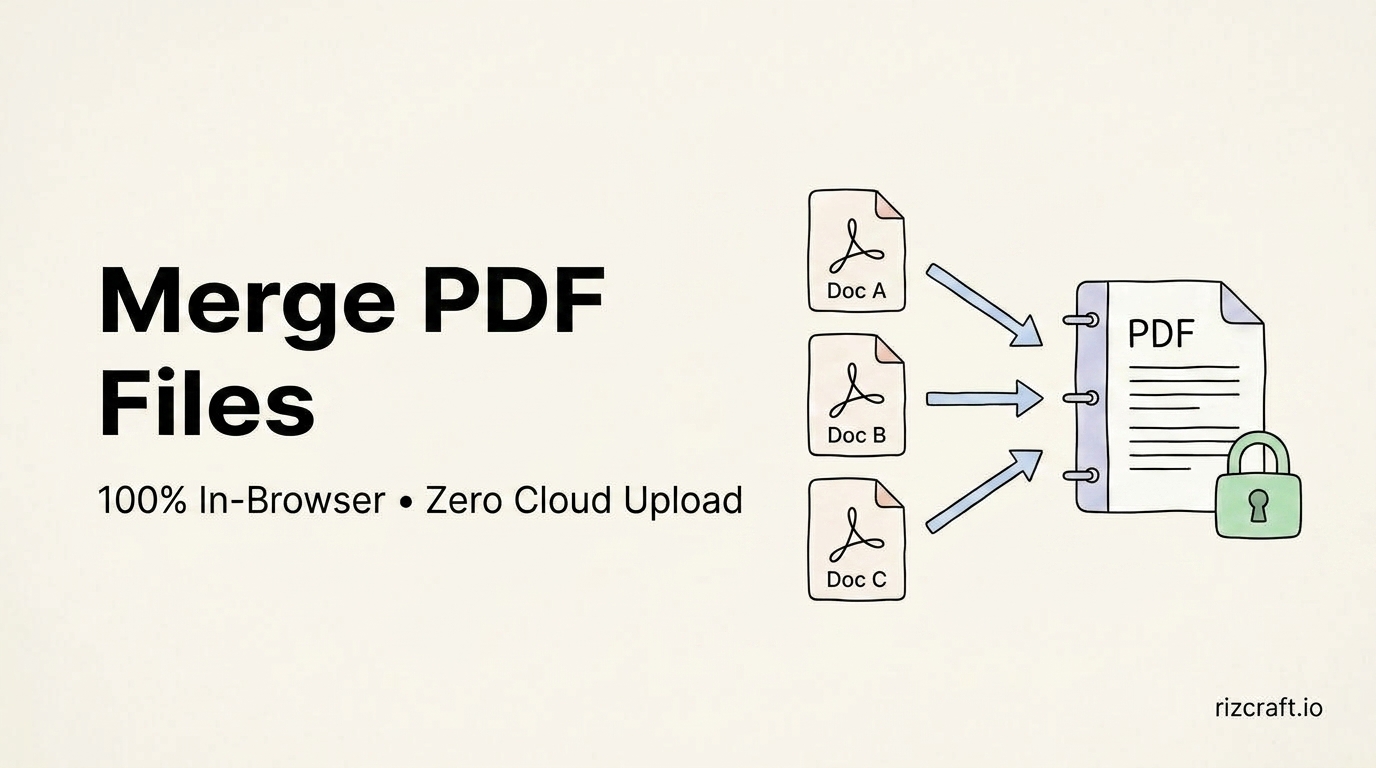
The PDF Merger combines multiple PDFs directly in your browser — no watermark, no page-count cap tied to a free tier, and nothing uploaded to a server in the process, which matters if any of the documents contain anything you'd rather not pass through a third party even briefly.
If you need something beyond merging — filling out a form, adding a signature, splitting a file back apart, running OCR on a scanned document — pdfonfly.com covers the deeper end of PDF editing that a straightforward merge tool isn't built for.