



How to Diff Two Blocks of Text Without Opening an IDE
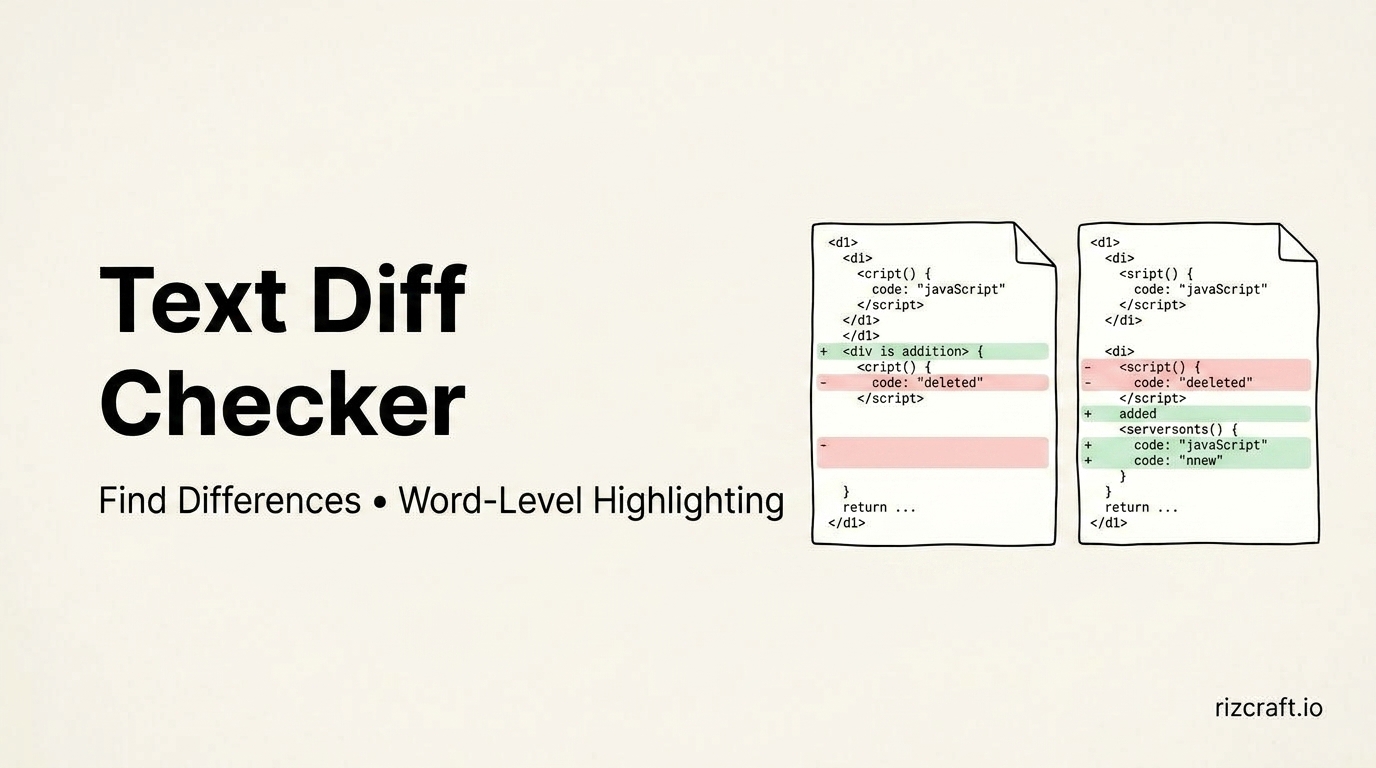
Spotting the difference between two versions of a paragraph by reading them side by side is slow and unreliable — your eye skips right past a changed word if the surrounding sentence looks similar enough. A proper diff catches what reading misses.
Where this comes up outside of code
Diff tools get built for developers first, but the actual use cases are broader:
Contract and document redlines. Two versions of an agreement come back from a client with one paragraph changed — maybe. Reading both in full to spot a single altered clause is exactly the kind of task where your brain fills in what it expects to see rather than what's actually there. A diff shows you precisely which words changed and which didn't.
Catching edits between article drafts. If a draft goes through an editor, or through an AI tool for a pass at tightening the language, comparing before and after shows exactly what got changed — not just "some things were edited," but which specific sentences, so you can decide whether each change was actually an improvement.
Comparing config files. .env.example vs your actual .env, or two versions of a deployment config — a diff catches a missing or extra variable instantly, which is easy to miss scrolling through both files separately.
Checking for whitespace-only changes. Some diffs are entirely invisible to the eye — a trailing space, a tab instead of spaces, a line-ending difference. These cause real bugs (a CI config that silently fails because of one stray space) and are nearly impossible to catch by reading, but obvious the moment they're highlighted.
Word-level vs. line-level
For prose, a word-level diff is usually more useful — it highlights the specific words that changed within a sentence, rather than just flagging that the whole line is "different," which tells you nothing about what actually moved.
For code or config files, line-level diffing is generally what you want — you care about which line was added, removed, or changed, not which individual character shifted within it.
Comparing without pasting into a doc tool
The Text Compare and Merge tool shows the differences between two blocks of text side by side, with word-level highlighting so you can see exactly what changed instead of squinting at two walls of text trying to spot it yourself.